The conversation experience
hollie has a natural, voice-based conversation with each person. She listens, asks follow-ups, and adapts in real time. It’s a phone call, not a chat box.
Joining
The link opens a quick setup: pick a microphone, turn on the camera if it’s a video conversation, and choose a language. If you sent a personalised link, the person skips straight past the details.
A privacy consent step comes before hollie says hello, so everyone knows what’s recorded and can keep the camera off if they’d rather.
During the conversation
hollie appears as a glowing orb that listens, thinks, and speaks, with a live transcript running alongside so the person can follow every word.
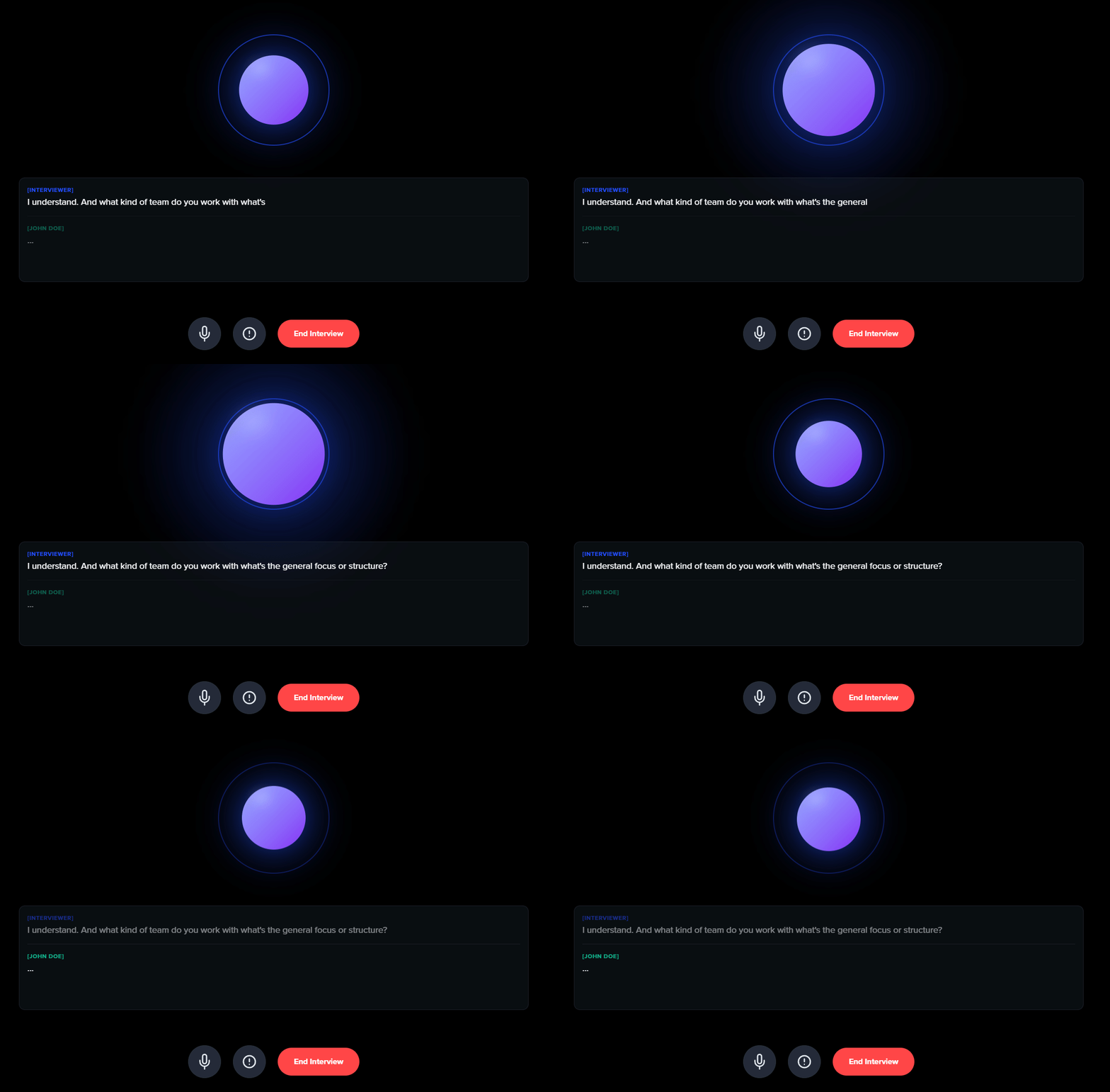
She follows the goal and questions you set, asks open questions and real follow-ups, captures quotes as they happen, and wraps up naturally once she has what she needs. She takes her time and never rushes.
With video on, the person’s camera feed sits beside the transcript.
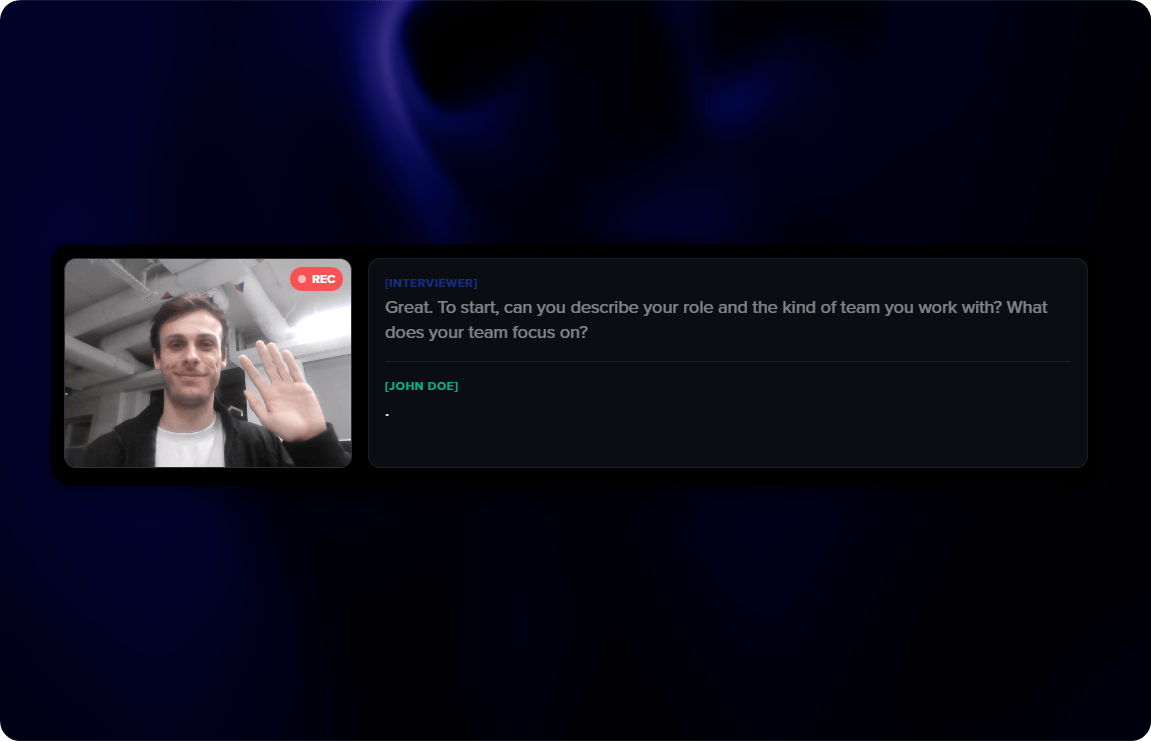
The controls along the bottom let people mute, share their screen if you’ve enabled it, get help, or end early.
hollie adjusts to what each person shares, so every conversation goes somewhere a little different, and comes back deeper for it.
How it ends
A conversation can close in a few ways:
- hollie wraps up - Once she’s covered your goal, she gives a warm thank you and closes.
- The person ends it - They choose to end and confirm.
- Quiet - After a long silence she checks in, then closes on her own.
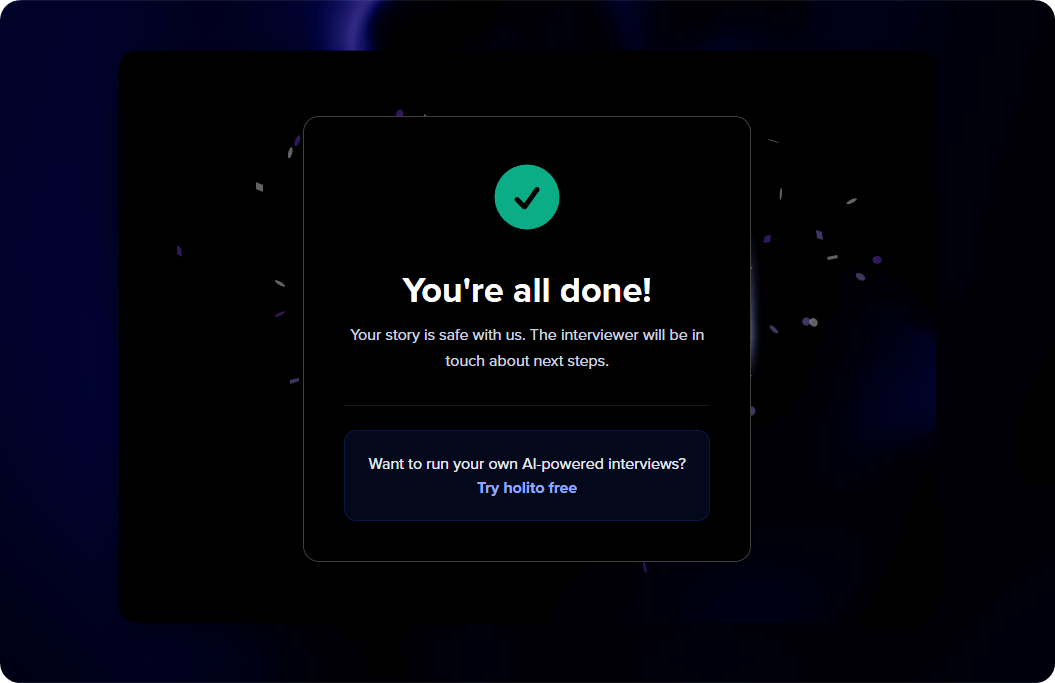
Then a success screen confirms they’re done, and hollie starts building the report straight away.
If the connection drops
WiFi cuts out or a tab closes, no problem. People return to the same link and pick up where they left off. Progress is saved across refreshes and brief disconnections.
How long it takes
Most conversations run 5 to 10 minutes. hollie ends when she has enough for your goal, not when a timer says so.
Languages
holito supports 20 languages. The language is detected from the person’s browser, chosen during mic and camera setup, or locked to one in your settings.
View all supported languages
| Language | Native name |
|---|---|
| English (US) | English |
| French | Français |
| German | Deutsch |
| Spanish (US) | Español |
| Portuguese (Brazil) | Português |
| Italian | Italiano |
| Dutch | Nederlands |
| Polish | Polski |
| Russian | Русский |
| Turkish | Türkçe |
| Japanese | 日本語 |
| Korean | 한국어 |
| Thai | ภาษาไทย |
| Vietnamese | Tiếng Việt |
| Indonesian | Bahasa Indonesia |
| Hindi | हिन्दी |
| Bangla | বাংলা |
| Tamil | தமயழ் |
| Telugu | తెలుగు |
| Arabic | العربية |
Video recording
When video is on:
- The camera is optional unless you’ve made it required. People can decline and stay audio-only.
- Video can be hidden during the conversation if the person prefers.
- Recordings are stored securely and open from your dashboard.
Everyone agrees to a privacy consent step before hollie says hello. They know what’s recorded and can keep the camera off at any point.